

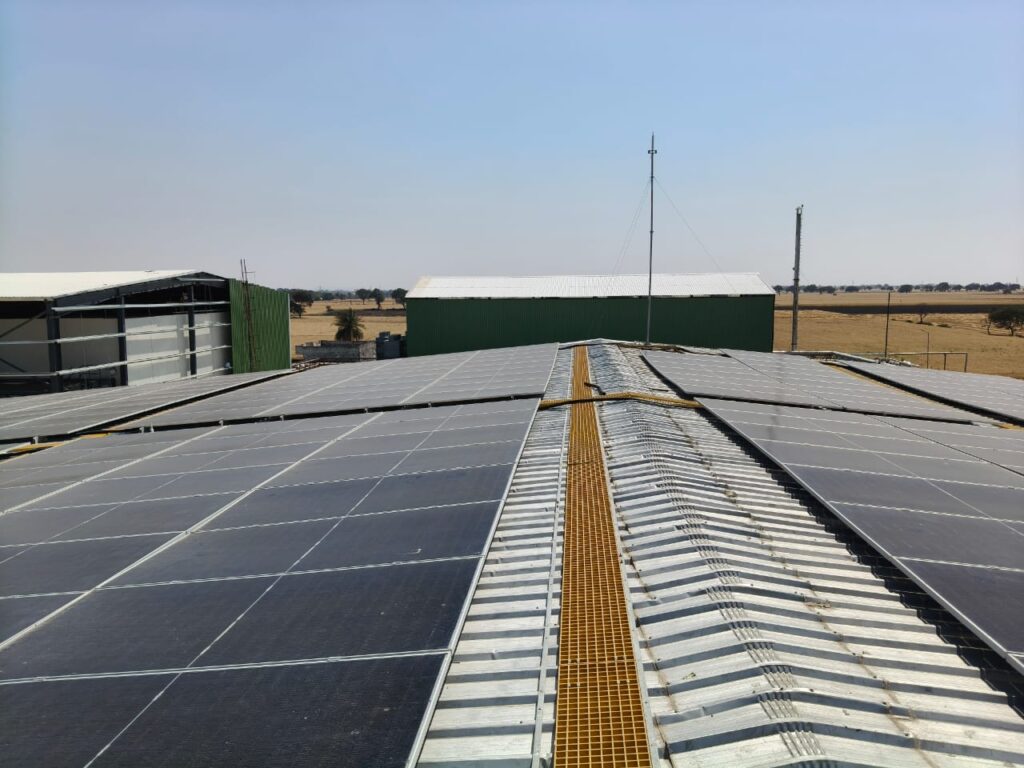
Your first month with solar should feel clear, not confusing. The goal of the first 30 days is simple: confirm the system is running smoothly, learn basic do’s and don’ts, and set a routine for monitoring + cleaning.
Week 1: Handover + setup (make sure the basics are done)
Points:
- System handover from installer + basic safety briefing
- Get the warranty details and final system specs (kW, panel count, inverter model)
- Monitoring app setup (if provided) + learn what “normal daily units” looks like
- Learn where the ACDB/DCDB boxes are (important): don’t open them yourself
- Ask who to call if you see an inverter alert or sudden drop
Quick tip: Save installer support number in your phone as “Solar Support – Urgent”.
Week 2: Observe performance + first cleaning (if needed)
Points:
- Check daily generation pattern (units produced each day)
- Don’t compare a cloudy day with a sunny day—compare “average”
- If dust is heavy, do the first cleaning (dust can reduce output quickly)
- Check for any visible shade issues (newly noticed shadows from tanks/parapet)
Simple check: If output is consistently lower than the estimate, ask the installer to review shade and wiring.
Week 3: Net metering / inspection tracking + alert checks
Points:
- Track net metering / inspection status if it’s still pending
- Check inverter/app for:
- warning messages
- grid disconnect alerts
- abnormal low generation
- If you see repeated alerts, inform the installer early (don’t wait weeks)
Tip: Many “issues” are small—like a loose connection or grid voltage fluctuation—easy to fix when caught early.
Week 4: Bill understanding + routine creation
Points:
- Compare your bill trend (don’t expect a “zero bill” instantly every time)
- Understand your usage pattern:
- more daytime usage = better savings
- Create a simple monthly routine:
- clean panels (based on dust level)
- check weekly output trend
- confirm inverter status is normal
- Keep a simple log: average daily units this month
This helps you spot performance drops before they become long-term losses.
A simple weekly routine (3 checks only)
Points:
- Daily units: Are they roughly stable for the season?
- Inverter status: Any error/trip/grid alerts?
- Unusual drops: Sudden fall often means dust, shade, or a minor electrical issue.
Important description
If output drops suddenly, don’t panic. Dust, shade, or a grid/inverter alert are common reasons. Track the trend, do a quick cleaning check, and contact your installer if the drop continues for 2–3 days.
Want a post-install checklist? Ask Halo Solar Systems for a “First 30 Days” support guide—handover checklist, monitoring setup, cleaning routine, and what to do if output drops.